Your character. Your product. Your ad.
Ad Maker turns your character (a saved character or your own photo) into the creator of a short ad. They hold or show your product and talk to the camera, with a script written for you, three camera shots, captions, soft music, product shots and an AD tag, ready to post.
🎯 Open Ad Maker →What it does for you
- A creator-style ad, not a TV commercial. Your character talks to camera about the product: a hook, the problem, the product, the proof and a call to action.
- Only what you told it. The script uses the claims from your brief, nothing invented. Edit every line before you spend.
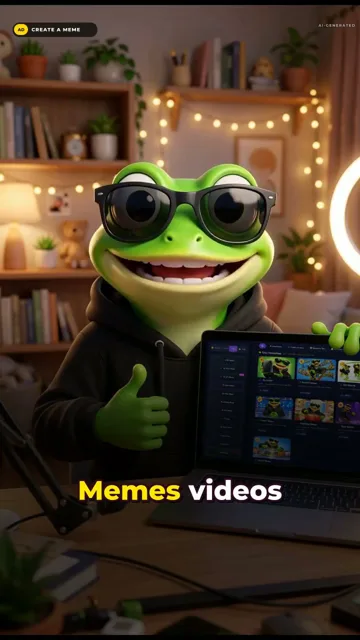
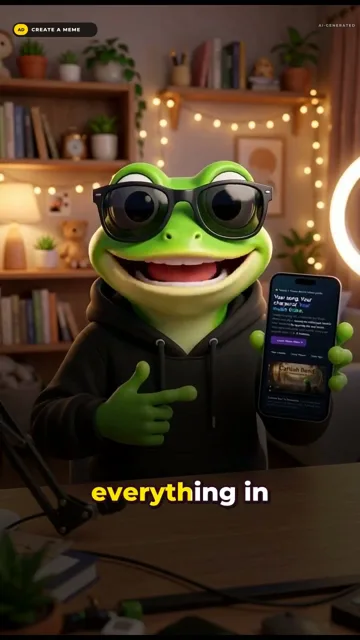
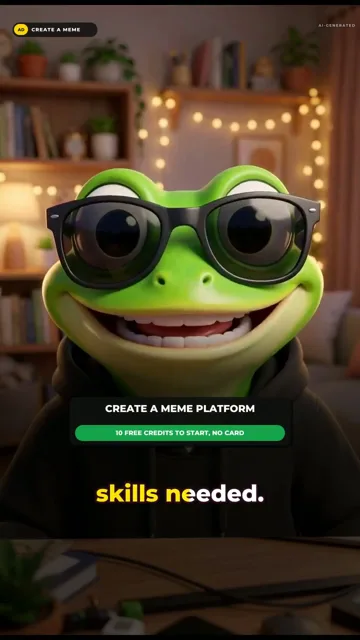
- It looks shot, not stuck. Three camera shots of your character take turns, and your real product photos cut in.
- Honest by default. An AD tag stays on screen the whole ad: paid partnership, sponsored, gifted, or your own product.
Pick who’s in it
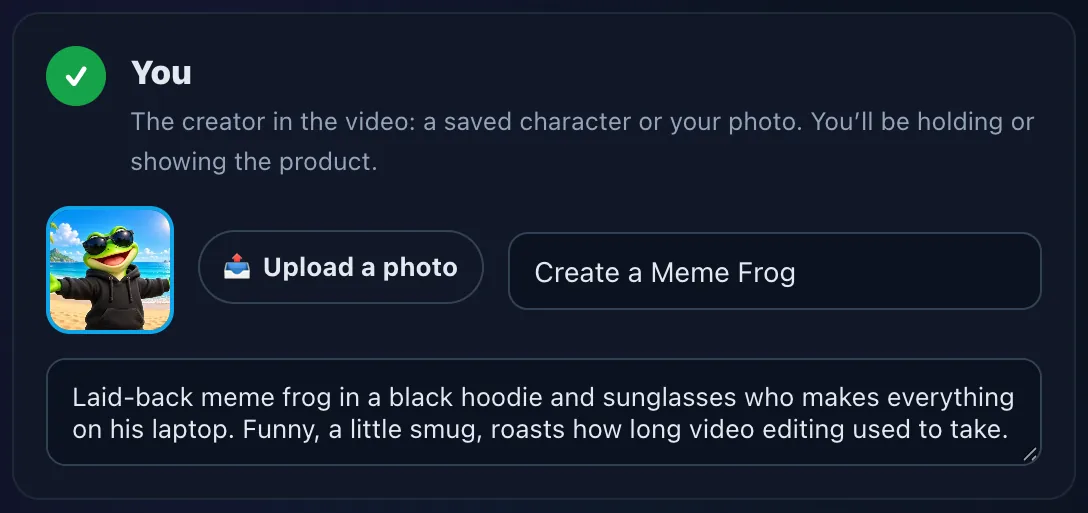
Open Tools → 🎯 Ad Maker. Pick a Saved Character or upload a photo, and describe their vibe in a line (“laid-back meme frog who roasts how long editing used to take”).
Add the product
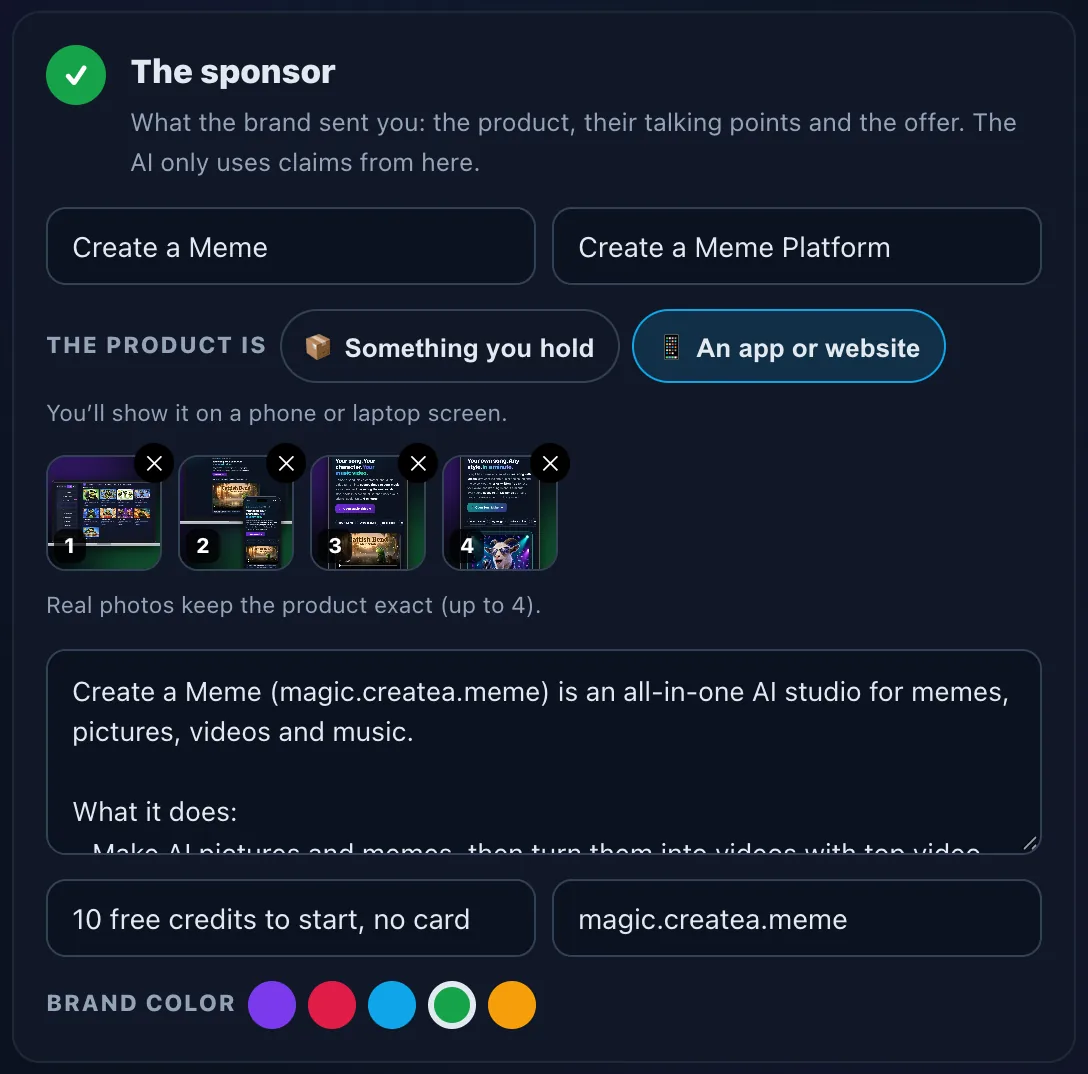
The brand, the product, whether it’s something you hold or an app or website, up to 4 product photos (real photos keep it exact), the talking points and the offer. For an app, screenshots in a phone or laptop frame work best.
Length, frame, tone, place, voice
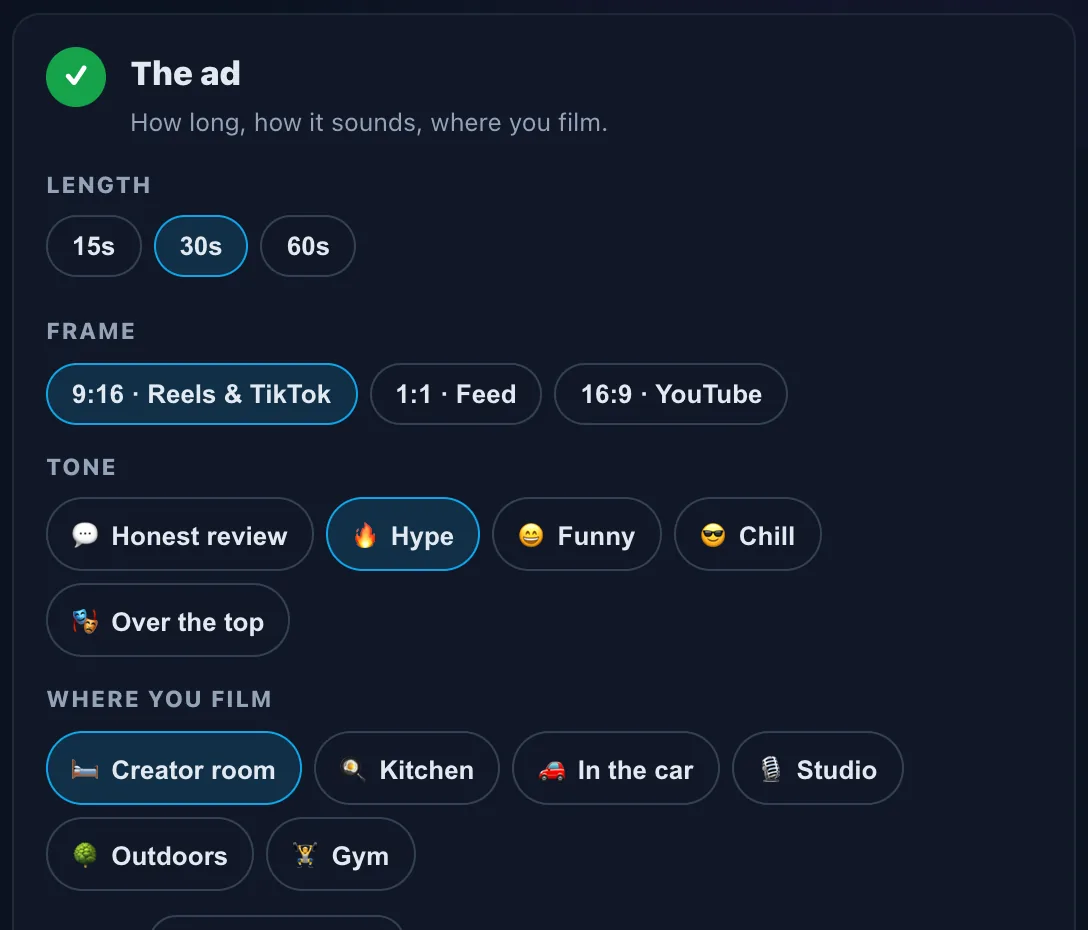
15, 30 or 60 seconds; 9:16 for Reels and TikTok, 1:1 or 16:9; a tone (honest review, hype, funny, chill, over the top); where you film (creator room, kitchen, car, studio, outdoors, gym); and a voice, including your own ElevenLabs voice or a real accent. Then ✨ Write the ad, free.
Pick a hook, edit the script
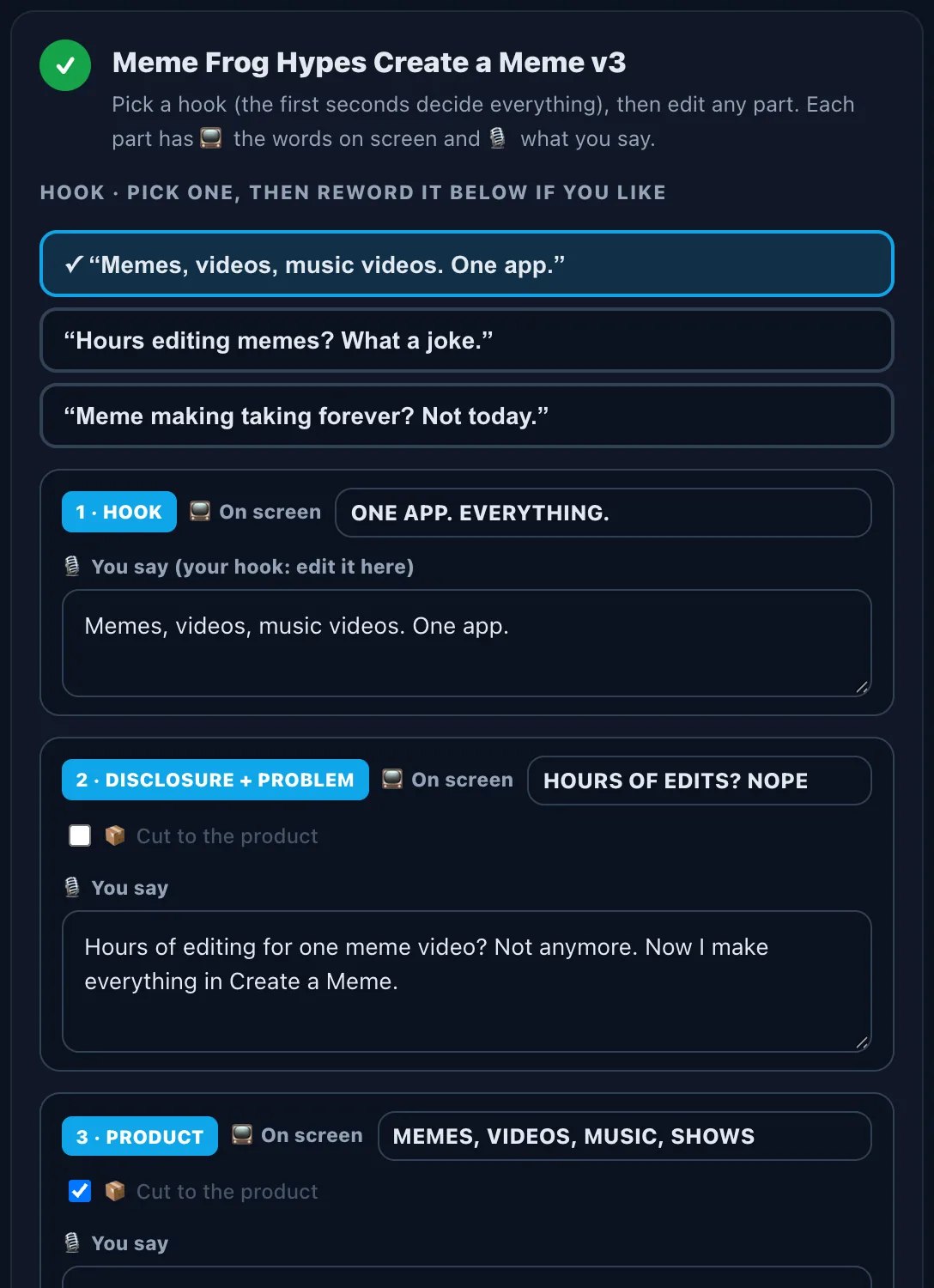
You get 3 hooks to choose from (the first seconds decide everything), then each part: 📺 the words on screen and 🎙 what you say. Reword anything, and choose which parts cut to your product photos.
Make the set, then the ad
🎬 Make the set paints your character with the product, plus two more camera shots. Tap ✓ on the shots you want, choose the extras (end card, words at the top, captions, soft music in a style like EDM or lo-fi), pick the AD tag and tap 🎯 Make my ad. Then download it or 📢 post it to the feed.
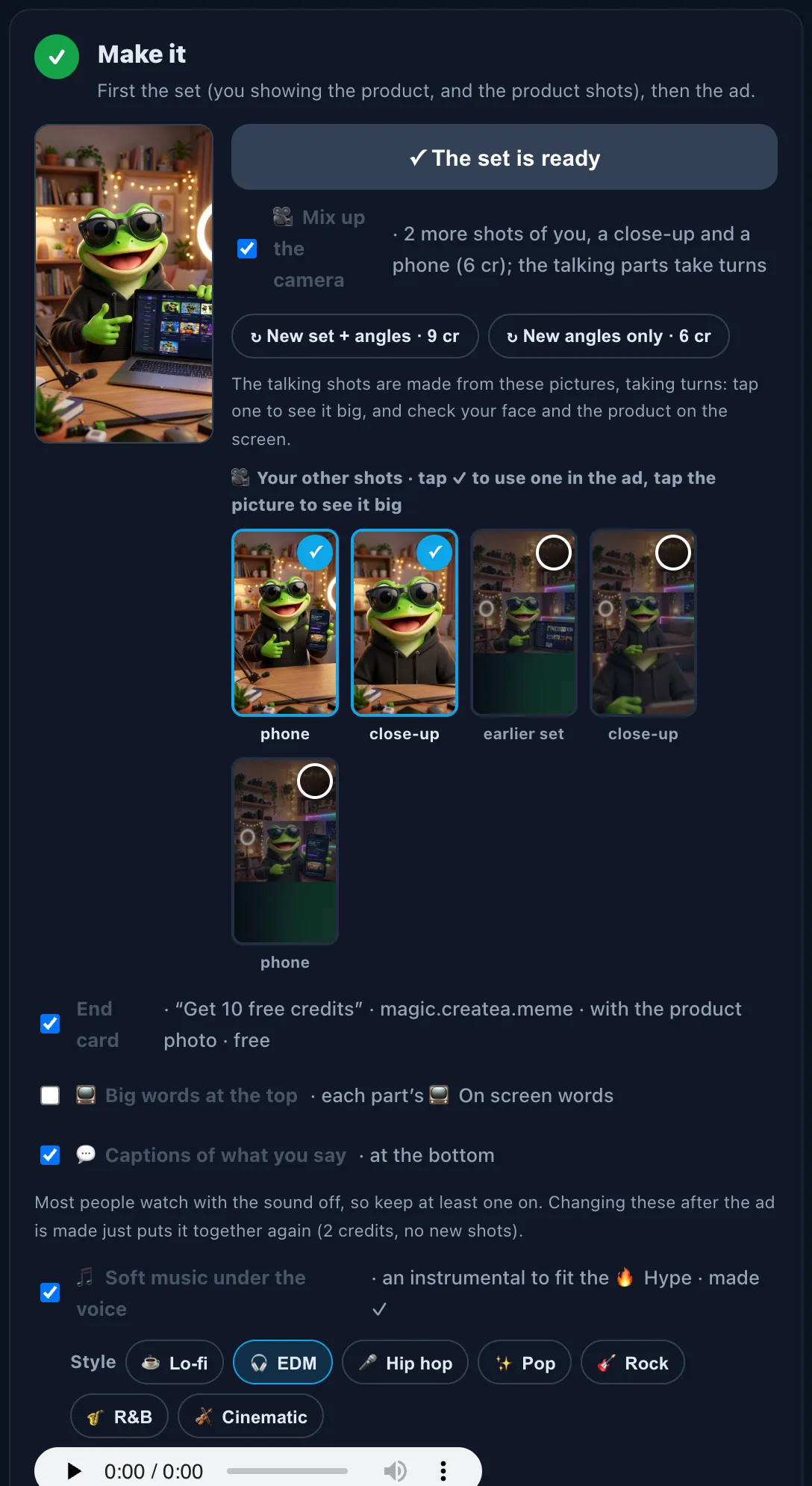
Three shots, taking turns
For an app or website: at the laptop, holding the phone, and a close-up. For something you hold, the side angle replaces the phone. Every shot you make is kept, so you can switch between them.
Every feature
The whole toolbox at a glance.
🎭 The creator
- A Saved Character or your photo
- Holds the product, or shows an app on a laptop and phone
- Three camera shots, every one kept, ✓ to use
✍️ The script
- Hook → problem → product → proof → call to action
- 3 hooks to pick from, every line editable
- Only the claims from your brief, plus a post caption
🔊 The sound
- 11 voices, your own ElevenLabs voice or a real accent
- Soft music under the voice: lo-fi, EDM, hip hop, pop, rock, R&B or cinematic
- Each shot lip-synced to the line
🎬 On screen
- Captions of what you say, words at the top: each on or off
- Product shots from your photos, a product card with the offer
- An end card and the AD tag, in your brand color
📁 Your ads
- Saves as you go; rename any ad
- ⧉ Copy an ad to try a new hook or music
- Every finished cut kept, ready to download
💳 What it costs
- Free: writing the ad and the hooks, captions, the end card and the AD tag.
- Pictures: 3 credits each (the set plus two more shots is 9). Product shots from your own photos are free.
- Talking shots: 3 credits a second. Soft music: 5 credits per 30 seconds. Putting it together: 2 credits.
- A 30-second ad comes to about 80 to 90 credits in all. The button shows the total first, and a shot that fails isn’t charged.
💡 Tips
- Start with a pain, not the product. “Video editing used to roast my whole day” beats “Check out this app”.
- Real photos keep it exact. For an app, put real screenshots in a phone or laptop frame: that’s what ends up on the screens.
- Captions on. Most people scroll with the sound off; the big words at the top are optional.
- Make a variant. ⧉ Copy the ad, try another hook or music style, and post both to see which one wins.
- Say it’s an ad. Keep the AD tag, and add #ad when you post a sponsored one.